


CAPTURE
Work naturally in a real webpage
Clicks, typing, navigation, and waits become an editable sequence while you complete the task.

Allow Everyone To Automate
Record browser work once. Turn it into reliable, scalable automation—without writing scripts.
Browser Agent is available in Free, Advanced, and Enterprise editions.
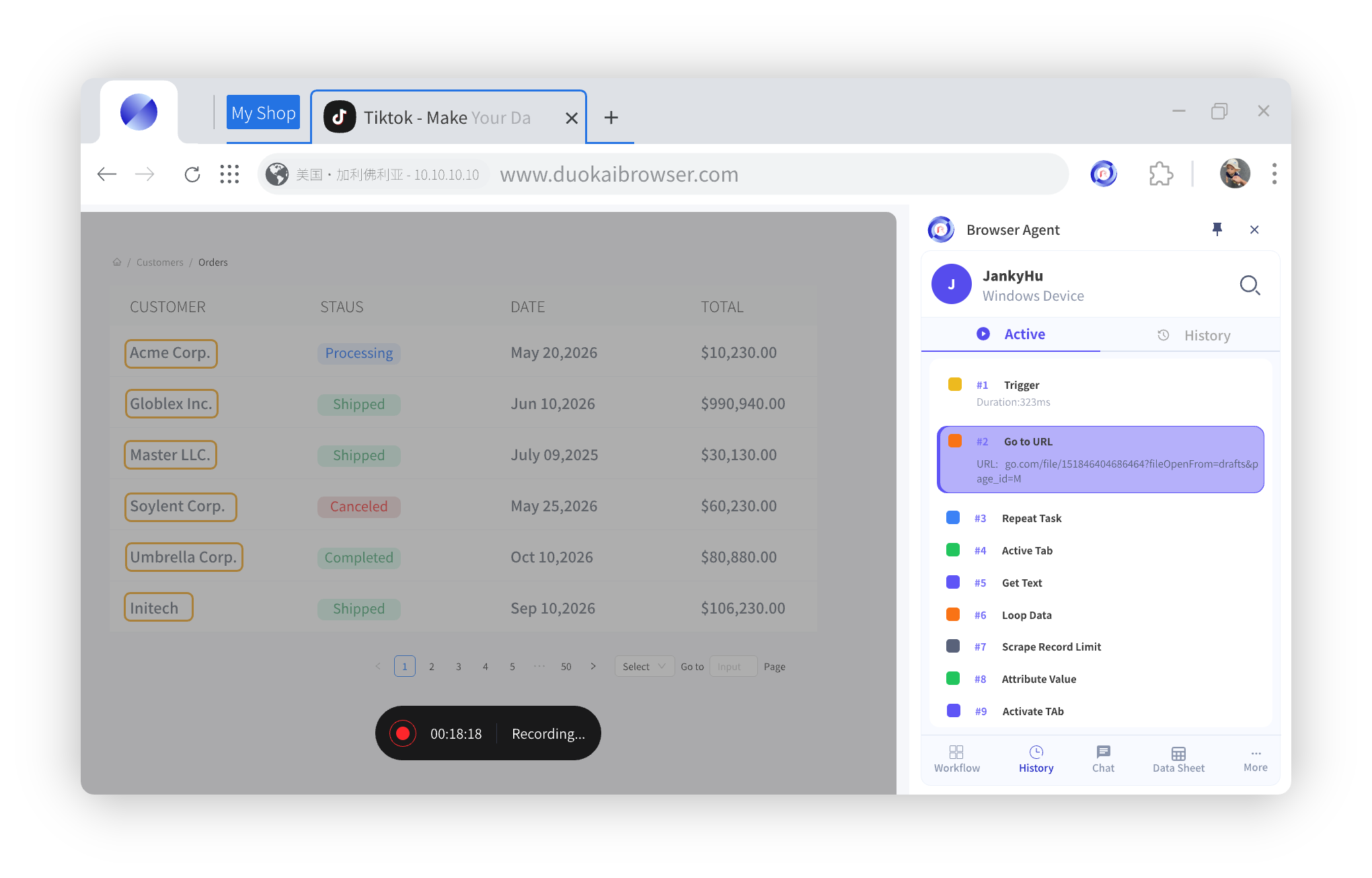


Record a real task, generate a workflow through the extraction wizard, or build from a blank visual canvas. Browser Agent turns team know-how into maintainable workflows.
Complete a task once to capture clicks, inputs, navigation, and waits as workflow steps that remain editable and reusable.
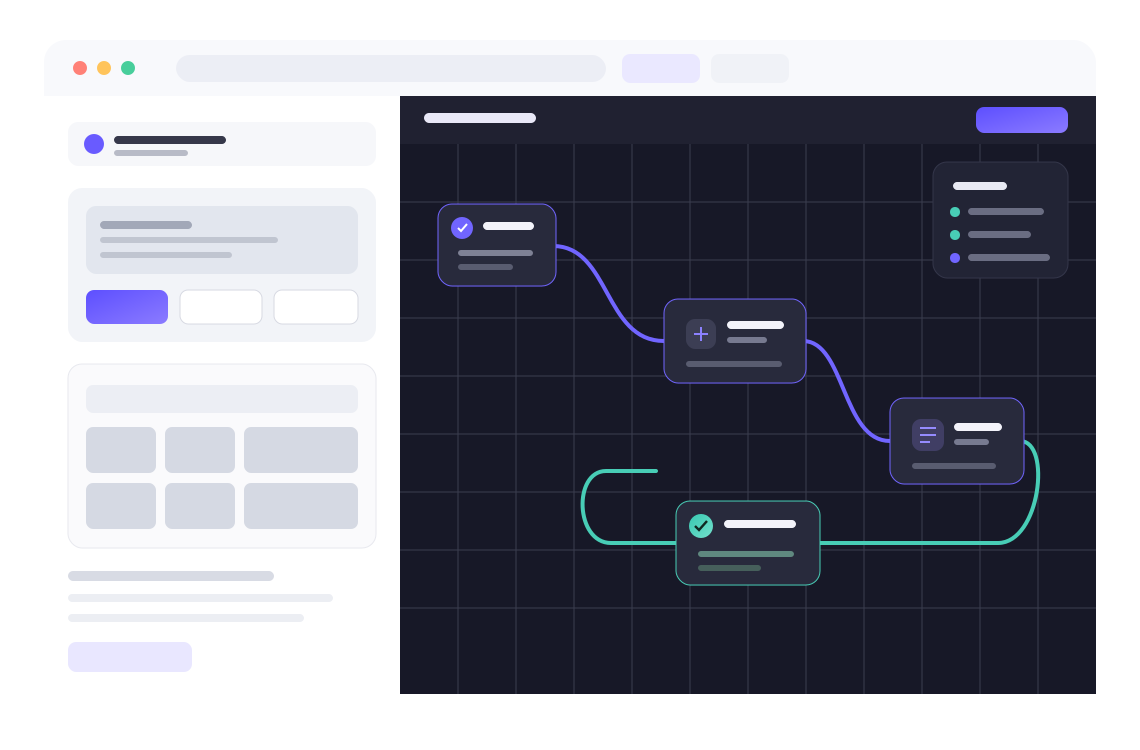
Drag browser, interaction, condition, loop, and data blocks onto a canvas; add variables, sub-workflows, and parallel branches for complex processes.
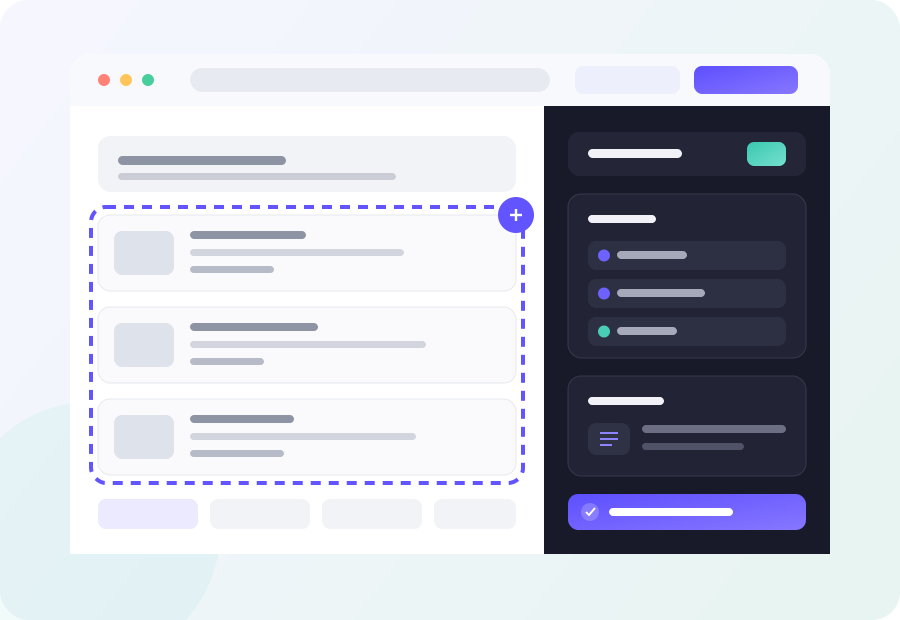
Select fields, tables, repeated blocks, and detail pages visually; configure pagination and limits, then output CSV, XLSX, sheets, or email results.
Start with the four product pillars, then expand a panel whenever you need the detailed capabilities.
Select a stage to see how Browser Agent turns real browser work into reusable automation.
Clicks, typing, navigation, and waits become an editable sequence while you complete the task.
Review steps, bind variables, and add conditions, loops, data operations, or reusable sub-workflows.
Execute in the assigned browser session, follow progress, and use run records to refine the workflow.
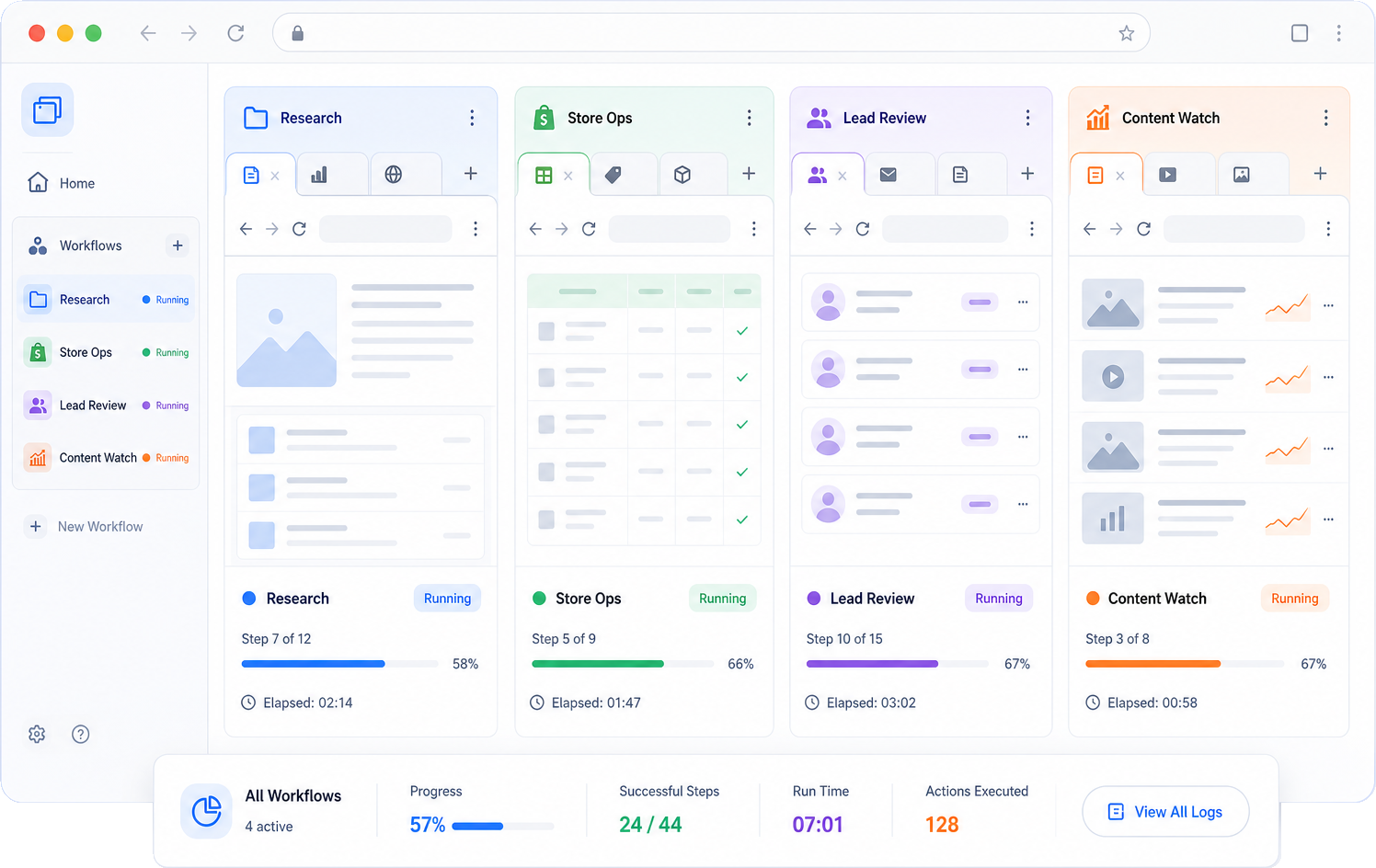
Isolate tasks, data, and sessions. Run unlimited automation workflows at the same time without interference, with every workflow executing in its own browser tab group.
Each workflow keeps its own tabs, session, and execution state.
Start independent workflows together instead of waiting in a queue.
Group tabs by project, client, account, or automation task.
Follow progress, current step, runtime, and results for every workflow.
Run authorized automation inside an isolated browser profile with controlled proxy, fingerprint, and session settings.
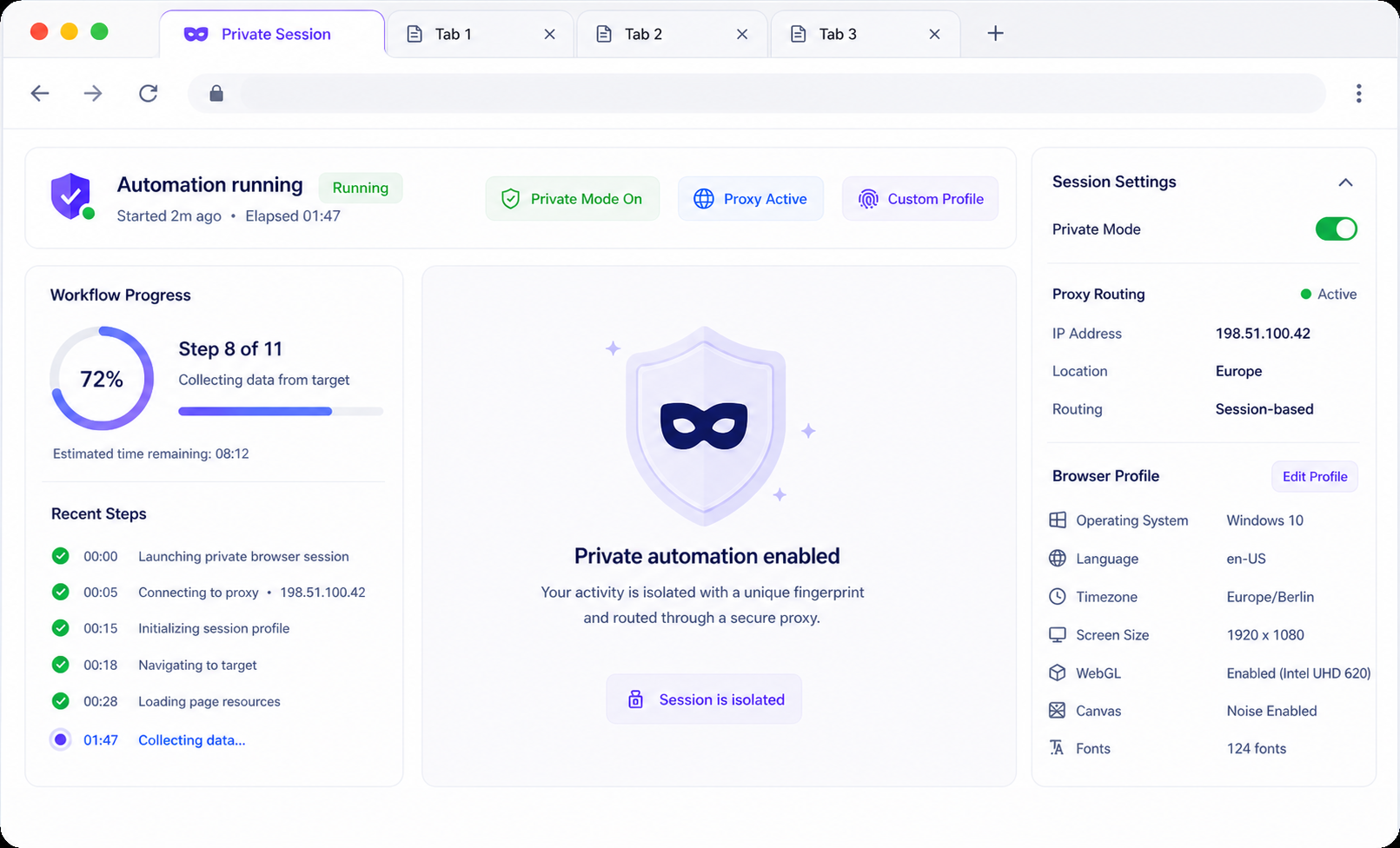
Keep automation activity inside its assigned browser profile and session boundary.
Assign a proxy and region to each session, with connection status visible while it runs.
Reuse controlled browser profiles for a predictable, consistent session identity.
Keep cookies, local storage, and task state contained within the assigned tab group.
Once web data lands in a Browser Agent local sheet, there is no export, copy, or tool switching. Select columns, describe the task in one prompt, then classify, summarize, translate, clean, or extract fields across every row and write the results back to new columns.
Read {{Description}}, write a summary under 20 words, and return one product category.
Run only on pages and data you are authorized to use. Keep credentials separated, retain execution records, and respect site terms and applicable law.



E-commerce back-office tasks, authorized data preparation, page checks, and change monitoring

Record product maintenance, order lookup, and form-entry steps; drive batch input from sheets and keep a record of each run.

Select fields, lists, tables, and detail-page information from pages your organization may access, then filter and export to files or sheets.

Check critical pages, elements, and interaction paths on a schedule, then record and notify when content changes or a flow fails.


Both automate repetitive work, but they use different operating models. Traditional RPA is built around desktops and software robots. Browser Agent brings browser actions, web data, isolated sessions, and parallel workflows into one connected workspace.
Best suited to native desktop software, legacy systems, and processes spanning several local applications.
Best suited to web operations, structured web data, multi-account sessions, monitoring, and parallel browser tasks.
They can work together: use Browser Agent for browser execution and web data while traditional RPA continues to handle desktop software and legacy systems.

See how Browser Agent can turn repeated browser work into reliable, scalable automation for your organization.

Browser Agent can orchestrate navigation, clicks, inputs, waits, tab operations, conditions, loops, parallel branches, data processing, exports, and notifications, with schedules and page monitoring. Use it only for authorized workflows that follow target-site rules.
Record browser actions, generate a flow through the extraction wizard, or drag browser, interaction, condition, and data blocks onto the visual editor.
Select fields, tables, repeated blocks, and detail-page content from authorized pages, then export CSV or XLSX, update a data sheet, or send a completion notification.
The execution center shows live state, step records, and results, while the visual editor supports breakpoints and step-by-step debugging.