

E-Com/SocialMedia


Supports 100+ e-commerce platforms and 70+ social media platforms
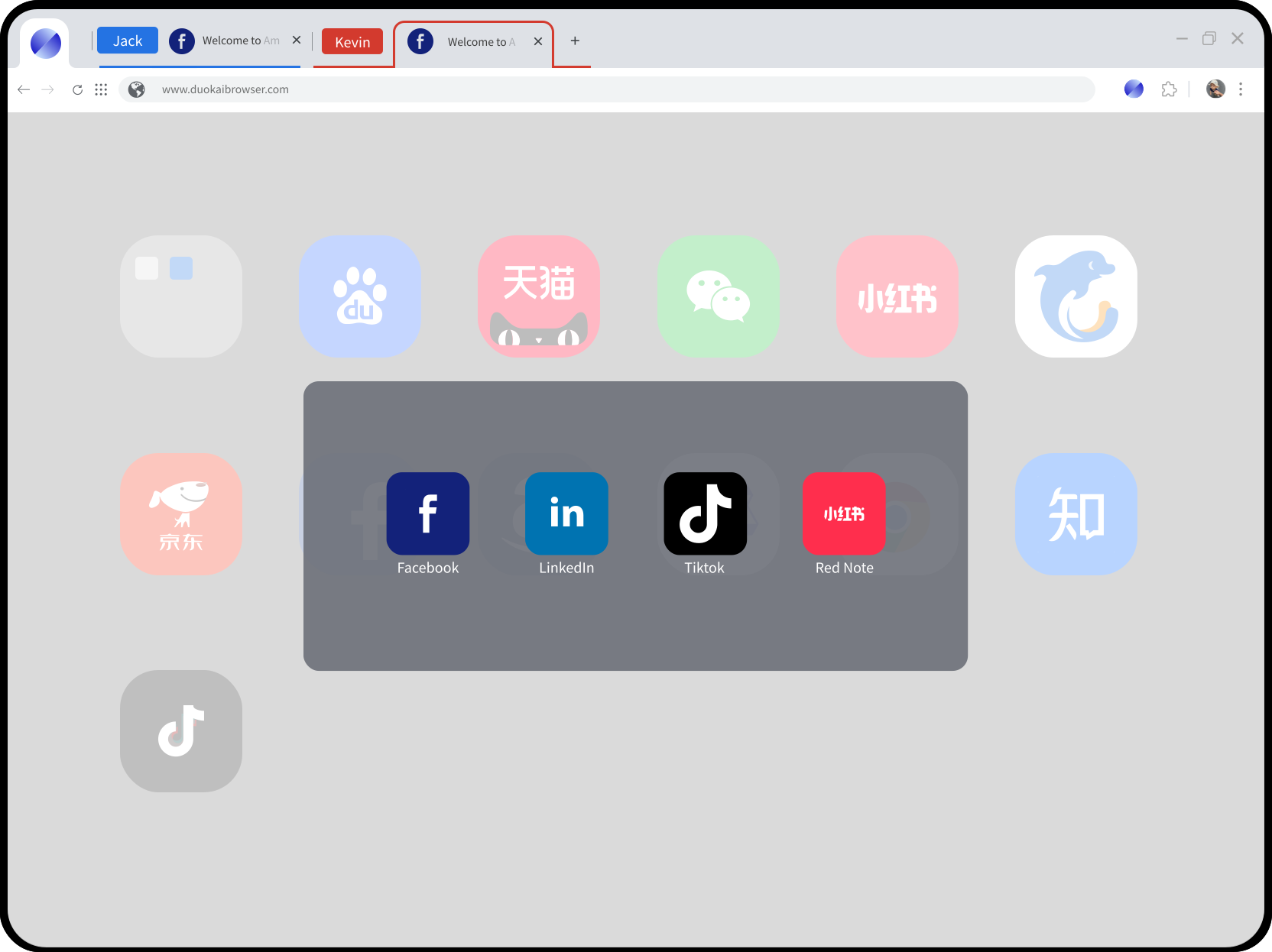
E-commerce platform accounts require more comprehensive protection, to achieve true security.









Core Features
Balancing usability and security, it ensures both fingerprint safety and data protection. Multi-account operations become easier, and the premise of improved office efficiency is a significantly enhanced working experience.
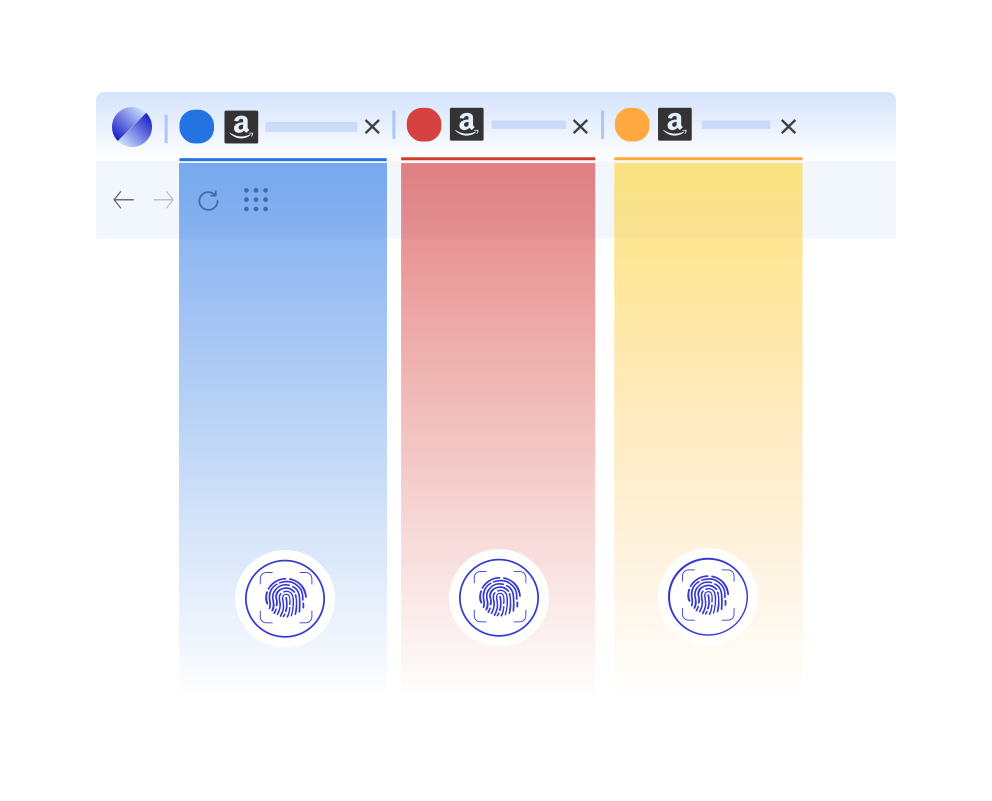
Tab-Level Isolation
Using advanced account fingerprint management technology, it is not associated with the local user profile, ensuring that key fingerprint information remains unchanged even after switching computers.
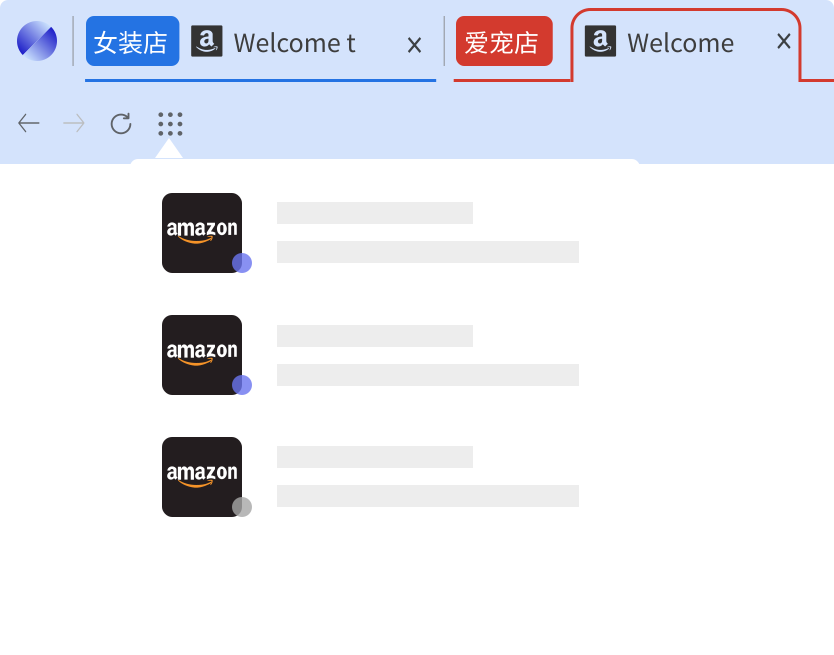
No Numeric Labels
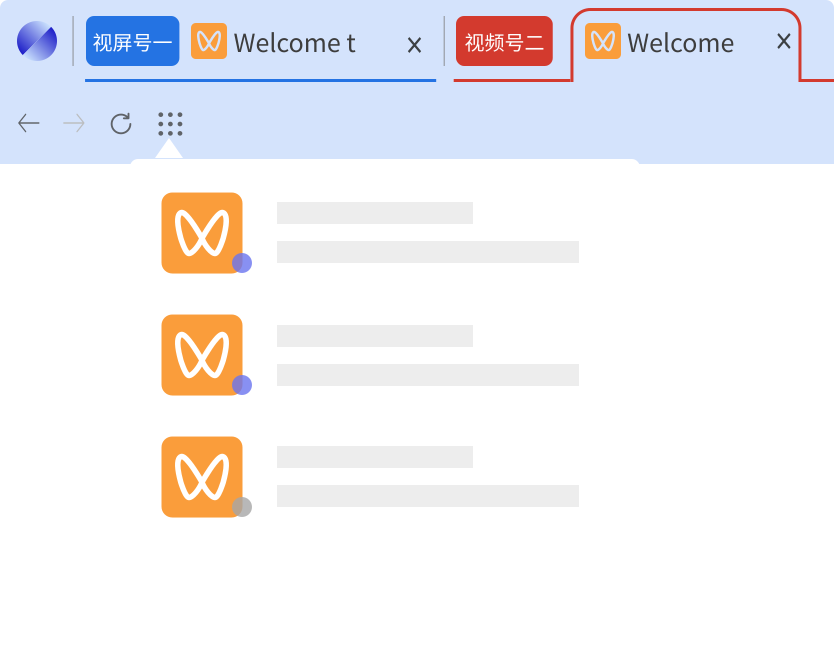
No numbered windows, no reliance on a central console for window switching—each tab is efficiently organized and easily identifiable through distinct color-coding and custom naming.
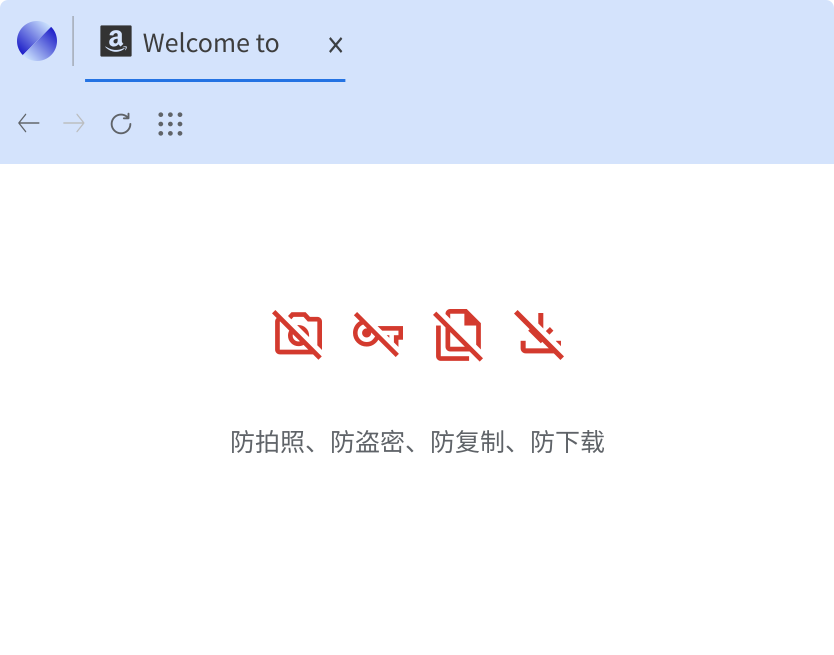
Data Security Matters
A multi-instance fingerprint browser that truly values data security, offering a rich selection of data security features such as anti-copy, automatic data masking, anti-download, and anti-screenshot security policies.
Multiple account opening
With a DUOKAI browser, you can achieve device isolation and IP anti-association for socialmedia accounts.
Team Member Management
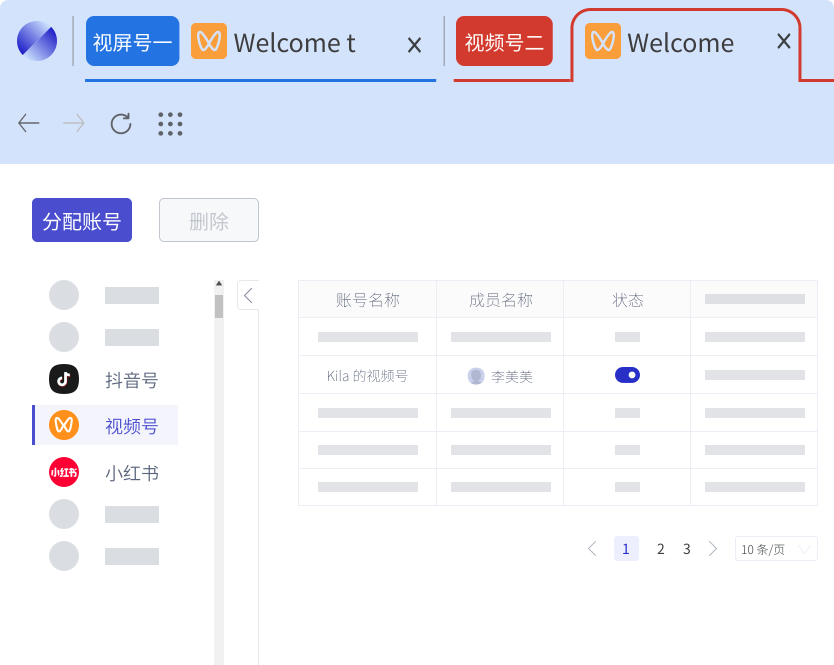
Only the business owner knows the account passwords. Supports team management , ideal for collaborative work environments.
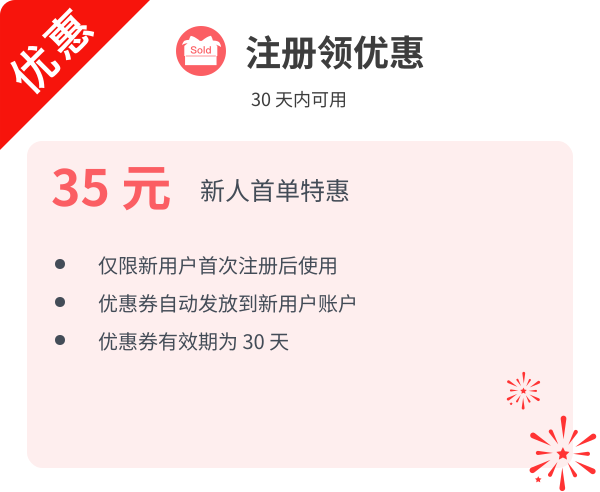
New User Gift
Rich Network Choice
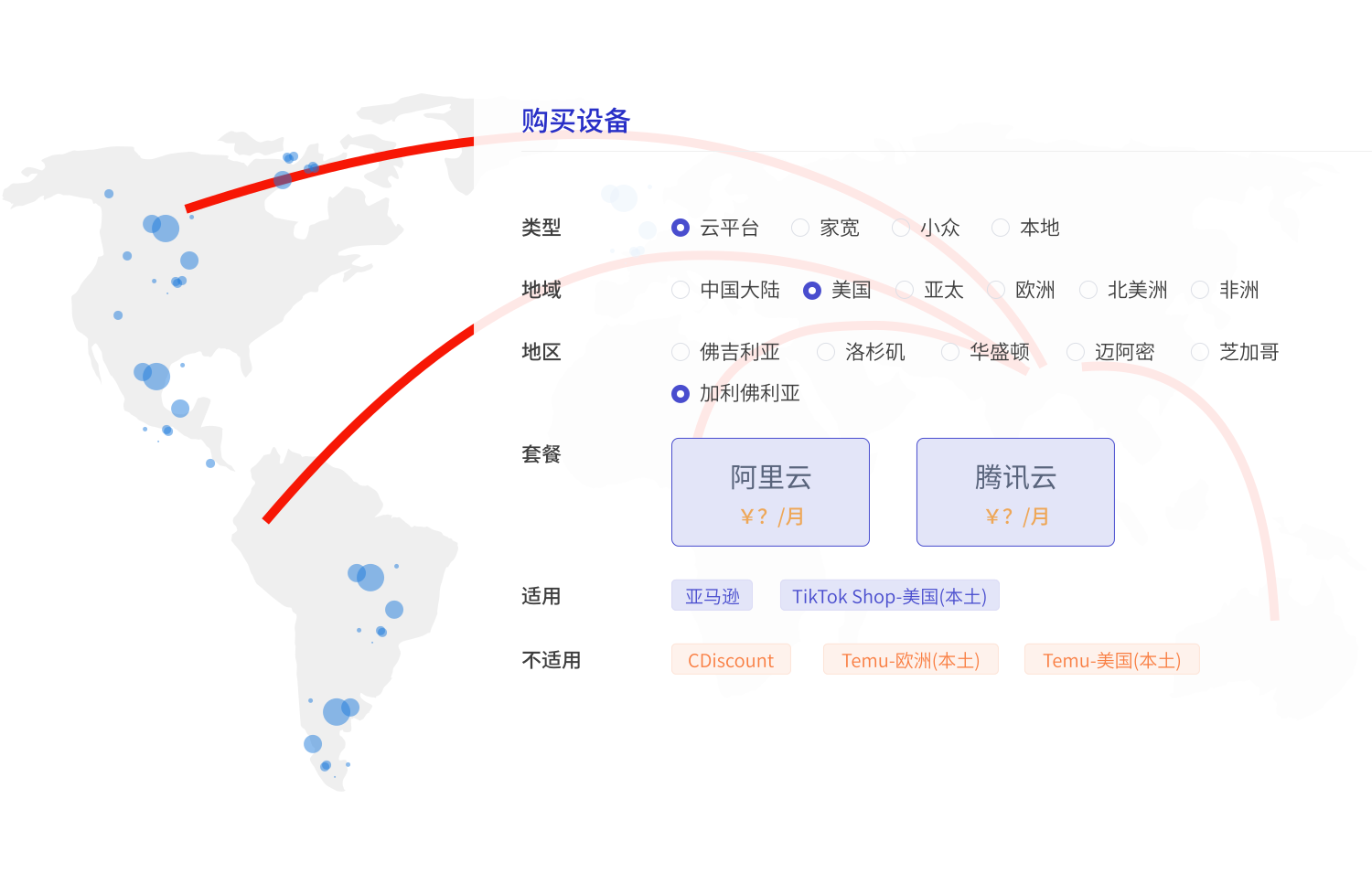
Offers high-speed "cross-border e-commerce dedicated" network lines for countries in Europe, North America, the United States, Southeast Asia, Africa, and more.

DUOKAI Browser
One browser, endless possibilities. Your digital world, no more switching needed! An essential tool for enterprises to reduce costs and boost efficiency.

Frequently asked questions
What does DUOKAI help with for e-commerce?
Run multiple stores and marketplace accounts in isolated browser environments to reduce common linkage signals. Platform policies and your usage still matter.
Do you guarantee I won’t be linked by platforms?
No. Platforms apply their own risk models; DUOKAI provides technical isolation assistance, not a compliance guarantee.
How do teams collaborate?
Admins configure environments/permissions; operators use assigned profiles. Details depend on product features and your process.
How do I start a trial?
Use the Free Trial button on this site and follow the onboarding flow.
Why do social media matrix ops need isolated environments?
When running multiple accounts in parallel, isolated environments help reduce cross-contamination and misoperation risk, and make login/extension configs easier to manage per account.
Does it support every content platform?
DUOKAI targets common web platforms and business scenarios; site-specific compatibility depends on real-world testing and official guidance.

E-Com & Social Media Platforms
TikTok Shop, Amazon, Temu, WeChat, LinkedIn, YouTube and 100+ more platforms.